A pile of customer feedback feels valuable and useless at the same time. You know the answers are in there — what to build next, what's broken, why people churn — but reading 1,000 comments one by one isn't a plan, it's a weekend you'll never get back.
Here's a repeatable process to go from raw comments to a short list of themes you can act on.
Step 1: Get everything into one flat list
Pull your feedback into a single column: support tickets, app store reviews, NPS comments, survey replies, sales-call notes. Don't pre-sort by source — you want to see themes that cut across channels. One comment per row is all you need.
Step 2: Strip the noise before you cluster
Most feedback is 20% signal. Quickly drop:
- Pure praise with no specifics ("love it!") — nice, but not actionable.
- Duplicate auto-replies and bot messages.
- One-off edge cases that aren't repeatable.
You're left with the comments that describe a real problem, request, or friction point.
Step 3: Cluster into themes, not categories
The mistake here is sorting by feature area ("billing," "UI," "mobile"). That hides intensity. Instead, cluster by the underlying job or pain: "I can't tell if my data is safe," "onboarding loses me at step 3," "I want X to be automatic." A theme is a sentence a customer would actually say.
Aim for 5–8 themes. Fewer and they're too vague to act on; more and you're back to a list.
Step 4: Weight by frequency and who said it
A theme mentioned 40 times matters. A theme mentioned 5 times — but all by paying customers about to churn — might matter more. Note both the count and the source so you're not just chasing volume.
Step 5: Turn each theme into one decision
A theme isn't done until it points to an action: ship a fix, write a doc, change onboarding copy, or explicitly decide "not now." Five themes → five decisions. That's the whole point.
Where it breaks down (and what to do about it)
This process works beautifully at 50 comments and painfully at 1,000. The clustering step is where humans burn out and start lumping things together just to finish.
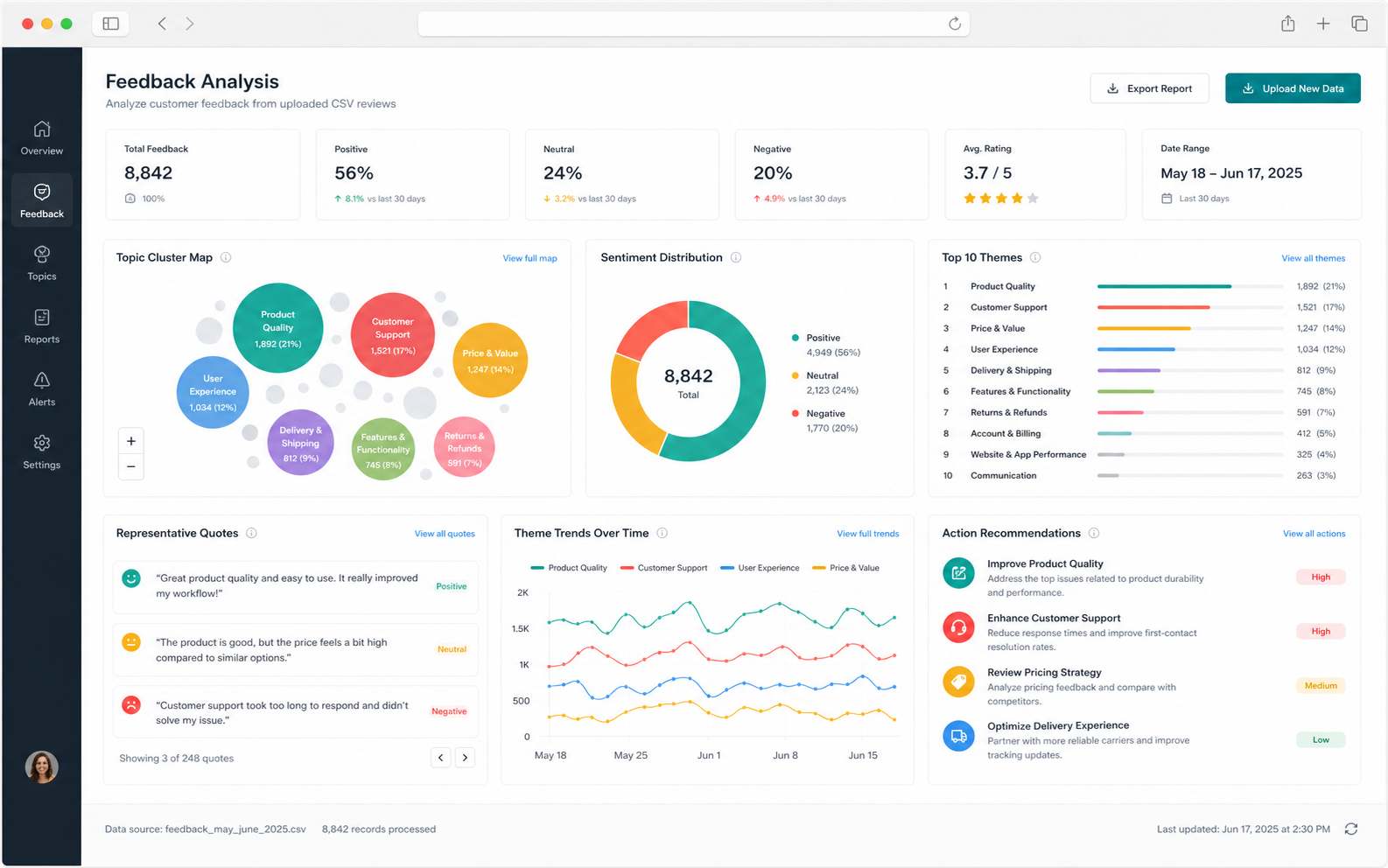
That's what RankFade Feedback automates: paste or import your comments and it clusters them into themes, weights them, and surfaces the handful worth acting on — so the 10-minute version is the real version, not the aspirational one.
Want to try the idea first? The free CSV Feedback Analyzer runs a small local clustering preview in your browser, no login or upload required.
The takeaway
Flatten everything into one list, cut the noise, cluster by pain into 5–8 themes, weight by frequency and source, and end each theme with a decision. Done monthly, it turns the feedback pile from a source of guilt into your clearest roadmap input.