Most blog posts don't lose traffic in a dramatic crash. They fade. Clicks slip a few percent a month, a keyword drifts from position 4 to 9, and by the time the chart looks alarming, you've already lost months of compounding traffic.
The good news: the early signals are sitting in Google Search Console (GSC) for free. You just have to know which numbers to compare.
Step 1: Compare two date ranges, not one
A single month tells you nothing about decay. Open Search Console → Performance → Search results, then:
- Set the date range to Last 3 months and toggle Compare to the previous 3 months.
- Make sure Clicks, Impressions, Average CTR, and Average position are all enabled.
- Switch to the Pages tab and sort by the clicks difference.
You're looking for pages where clicks are down while the page itself hasn't changed. Those are your decay candidates.
Step 2: Read the four numbers together
A raw "clicks are down" isn't enough — the combination tells you what's happening:
- Clicks down, impressions down, position dropping → you're losing rankings. Classic decay. Refresh priority: high.
- Clicks down, impressions flat, CTR down → you still rank, but your title/snippet is losing the click. Fix the title and meta description first; it's the cheapest win.
- Clicks down, impressions up → the query mix is shifting toward weaker long-tail terms. Re-target the page around the intent that actually converts.
- Everything down sharply and suddenly → that's not decay, that's a different problem (de-indexing, an algorithm hit, a technical break). Investigate separately.
Decay is slow and quiet. A sudden cliff is a different story — don't treat them the same.
Step 3: Confirm with the query view
Click into a suspect page (use the Pages filter, then switch back to Queries). Look at its top queries over the comparison window. The tell-tale decay pattern: the head query you used to win is slipping, and weaker variations are creeping up to fill the gap. That means the page is aging out of its primary intent.
Step 4: Prioritize by lost clicks, not by panic
You can't refresh everything. Rank your decay candidates by absolute clicks lost (a page that dropped from 2,000 → 1,400 clicks matters more than one that went 30 → 10). Fix the biggest bleeders first. Refreshing a decaying page — updating the intro, refreshing stats and examples, fixing internal links, re-confirming the search intent — is almost always cheaper than writing a brand-new post.
Doing this automatically
The manual GSC export works, and you should know how to do it. But comparing ranges across hundreds of URLs every month gets old fast.
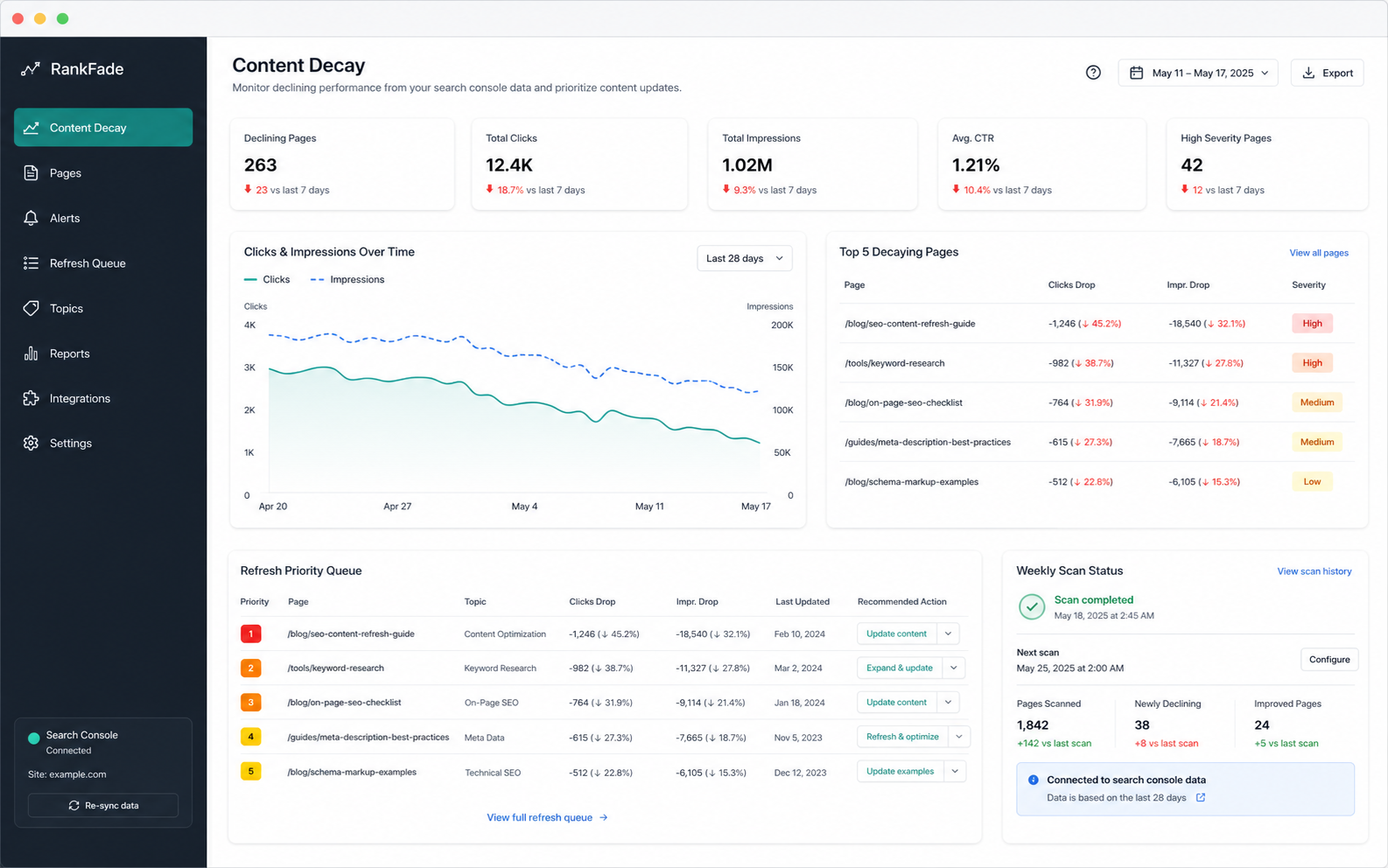
That's the job RankFade was built for: it reads your Search Console data, runs exactly these comparisons continuously, and hands you a ranked refresh queue — which page is decaying, by how much, and what to do first. No dashboards to babysit.
If you just want to spot-check a single page right now, the free SERP Decay Checker runs in your browser with no login.
The takeaway
Content decay is invisible until it's expensive. Compare two date ranges in Search Console, read clicks/impressions/CTR/position together, confirm with the query view, and fix the biggest losers first. Do it monthly and you'll catch the slide while a refresh still costs an afternoon instead of a rewrite.