Traffic drops are found too late
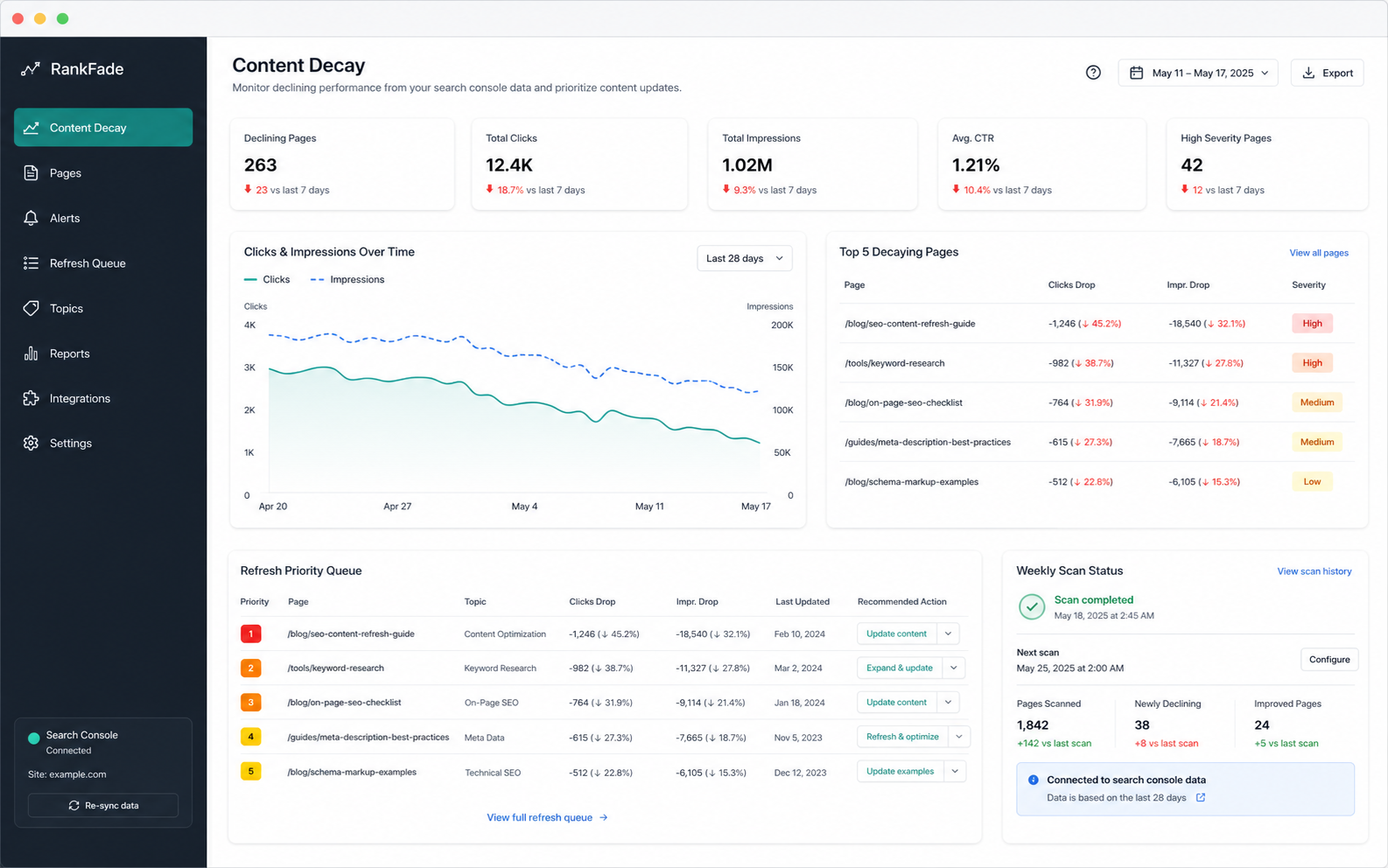
RankFade turns Google Search Console movement into a refresh queue before content decay becomes normal.
RankFade product stack
Three AI tools that read your feedback, rankings, and Slack activity, then surface the signals worth acting on. Built for one-person teams, priced like one too.
Why teams search for RankFade
Most small teams already have the raw data. The conversion gap is turning it into a ranked next move.
RankFade turns Google Search Console movement into a refresh queue before content decay becomes normal.
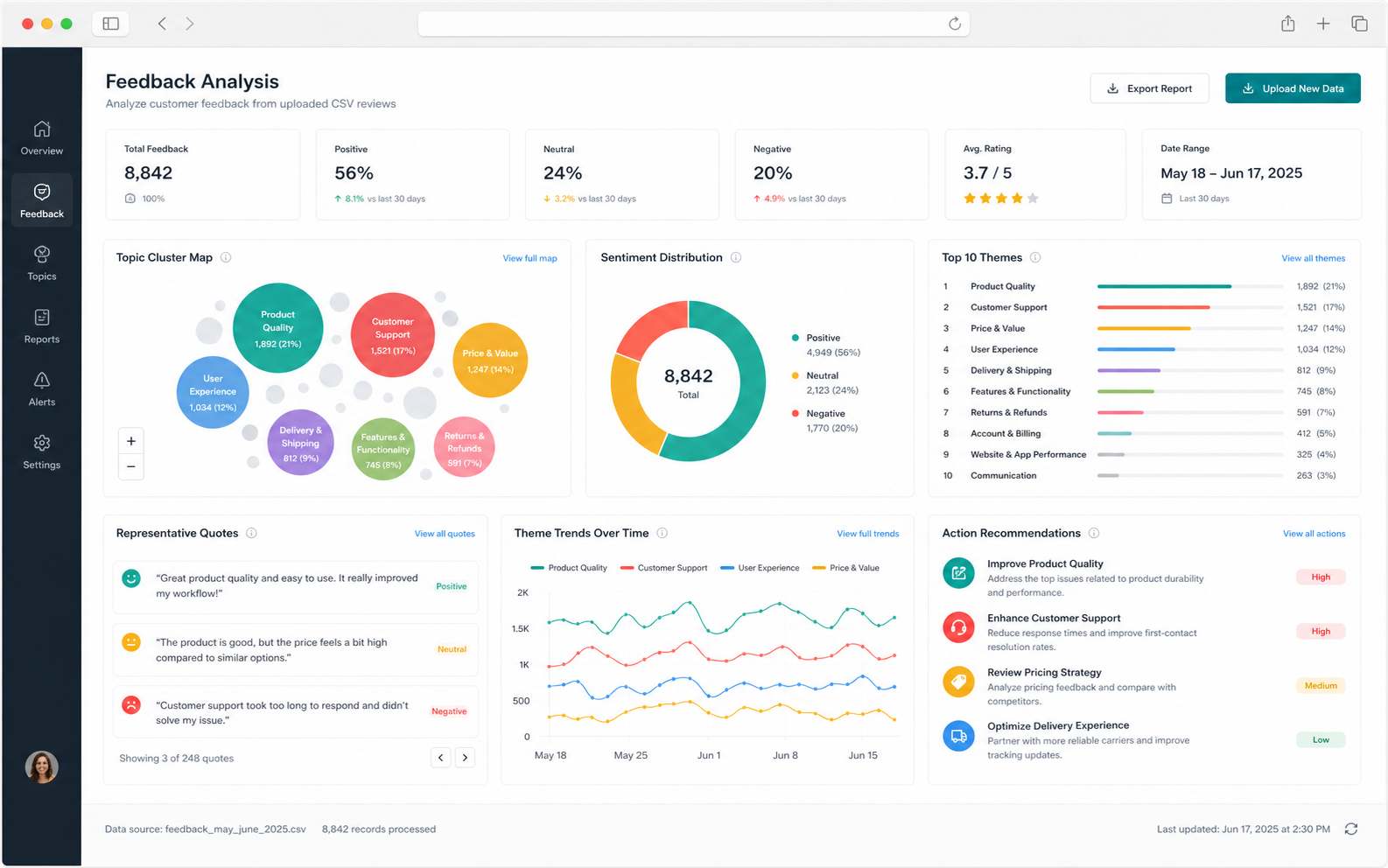
RankFade Feedback clusters CSV exports, reviews, and public comments into themes with evidence.
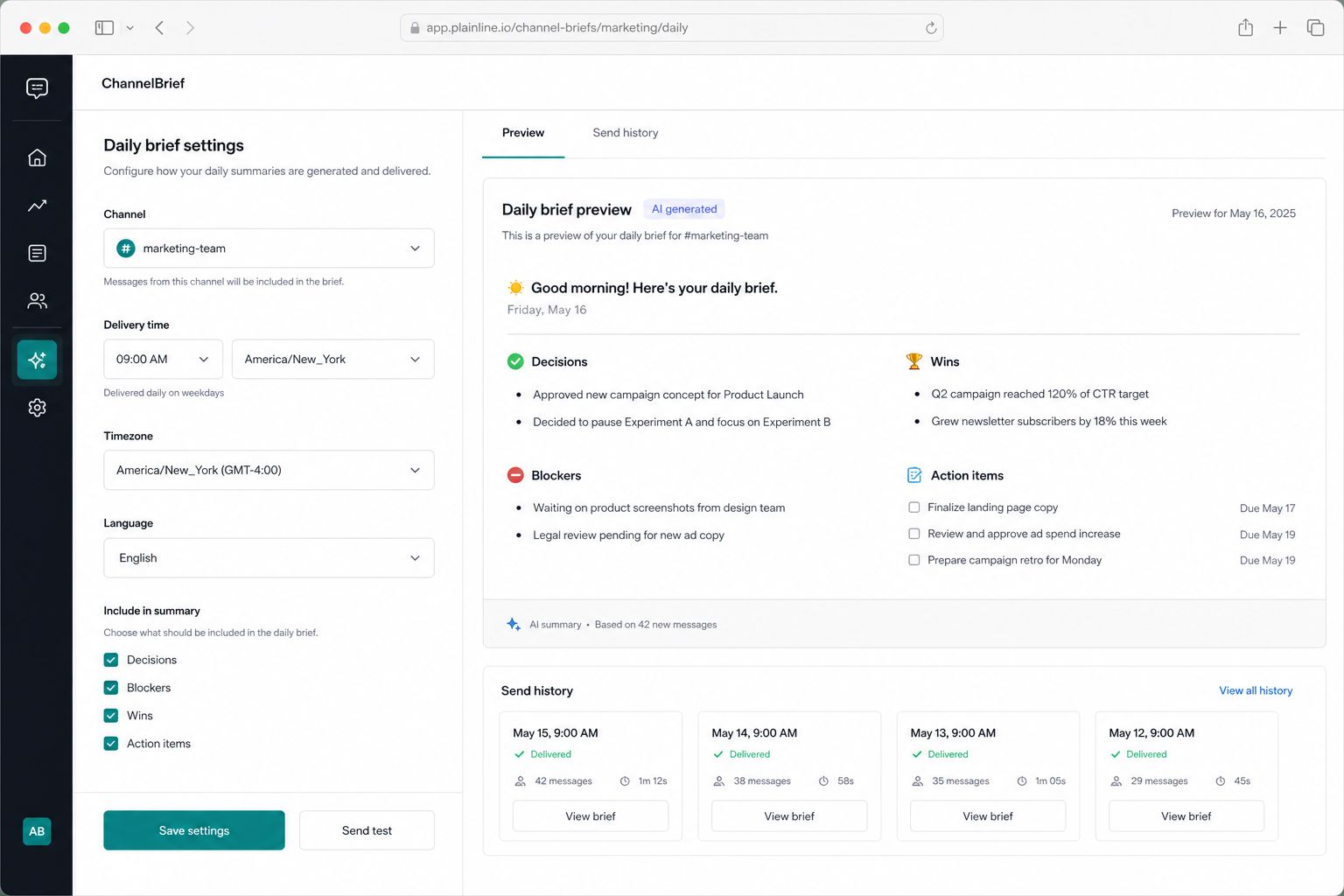
RankFade Brief extracts wins, blockers, decisions, and action items from noisy channels.
Products
RankFade leads with SEO recovery; RankFade Feedback and RankFade Brief add feedback themes and weekly channel intelligence.
Find pages losing search traffic before they quietly fade.
Turn scattered customer comments into a clear theme map.
Send concise Slack channel briefs with decisions and blockers.
The difference
Same workflow, three jobs. Here's what changes the day you start.
SEO content decay
Customer feedback
Slack briefs
Pricing
Pay per product or grab the bundle. All plans include a 30-day money-back guarantee.
See full pricing comparison · 30-day money-back guarantee
Customer stories
We're onboarding early customers now. Use it, tell us what breaks, and we'll feature your story here — with a founding-customer discount locked in for life.
Free tools
Each tool gives a small result in the browser, then points to the full workflow when you want automation.
Conversion path
Start with the problem in front of you, get a small useful result, then move into the workspace when it is worth repeating.
Start with Search Console, CSV feedback, a URL, or a few Slack messages.
Rank pages, themes, and action items by urgency instead of showing another dashboard.
Refresh content, ship a product fix, or brief the team from a focused next-step list.
Common problems
These pages explain the problem, show a preview path, and connect to the right RankFade workflow.
Works with your stack
FAQ
RankFade explains what you connect, what stays local in a preview, and when a workspace is needed.